
Napkin AI Review – Use it Before it Goes Away
Napkin AI makes it easy to turn text into visuals for PowerPoint presentations, pitch decks, and more.
My advice: make use of it before it disappears.
- Napkin AI is excellent for turning text into visuals for a range of use cases.
- The solution does have limitations - and may disappear soon.
- Use it now for mutiple purposes
If you, like me, saw your creative genius fizzle out around fifth-grade paper marche, Napkin AI is a godsend.
The AI solution helps turn text descriptions, documents, bullet points, and more into easy-to-use infographics and illustrations.
While Napkin has its limitations, many types of users will find it extremely useful. Especially since it is currently in Beta, allowing you to use advanced options and download your creations without watermarks for free.
So, who is it for? And what should you be using it for?
What it does
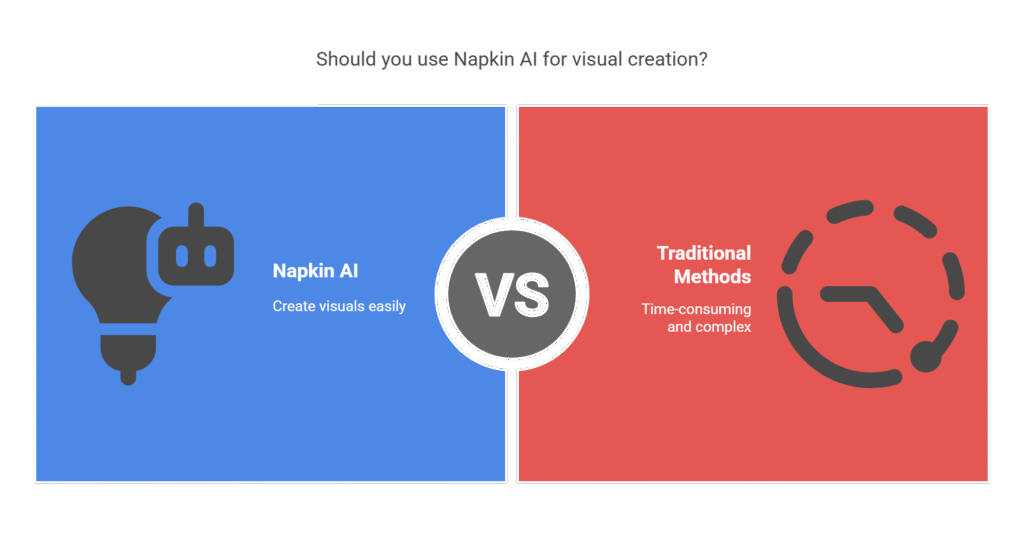
According to the Google AI Overview, “Napkin AI is a tool that uses AI to automatically generate visuals from text. It transforms written content into diagrams, charts, scenes, and other images, helping users create engaging and clear visual content. Essentially, it’s a tool that turns text into visual content, enhancing communication and idea clarity.”
That is a pretty decent explanation. Good work, Google AI Overview. Have a cookie. Actually, have as many as you want until Alphabet says you can no longer have cookies.
What it does well
I think Napkin AI excels at a range of tasks, including:
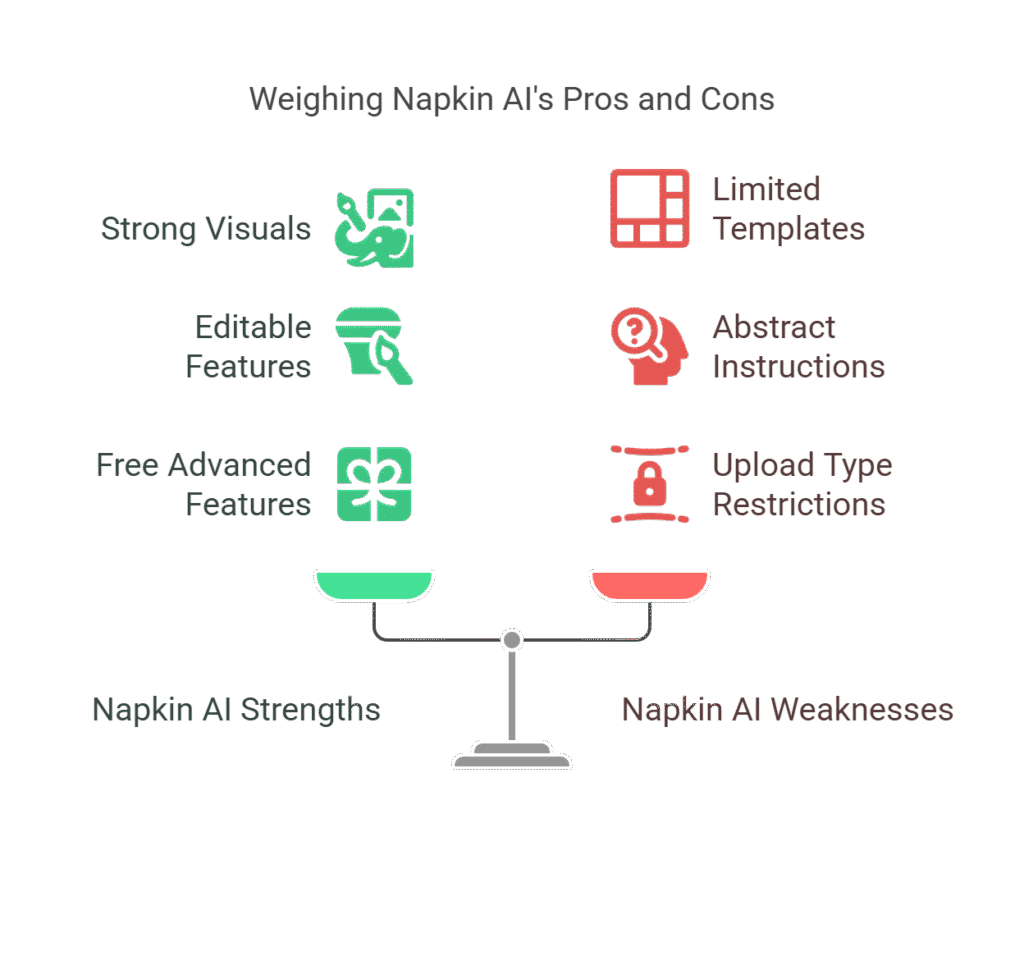
- Strong visuals: Although limited in types, the visuals are strong, intuitive, and fit for multiple purposes.
- Editable: You can change the colours, shapes, and more to suit your style and/or company palette.
- Free advanced features: In the current Beta, you get access to things like downloading your creations without watermarks.
- User-friendly: an easy-to-understand, intuitive style. The only slight confusion I have encountered was a slow realisation that it was often treating the first line of text as a headline.
Where it struggles
It is not all roses with Napkin AI. It can struggle with various tasks, including:
- Abstract or unclear instructions: Be concise and precise if you want to get the best out of it.
- Upload types: Not all types of source material can be uploaded.
- Limited templates: After a while, you end up with a feeling of déjà vu when creating visuals.
- Looking like everyone else: Following on form the above, Napkin AI visuals risk becoming the “Unsplash website images” of illustrations.
Hints and tips
To get the most out of Napkin AI, I would recommend that you:
- Keep it simple: Clear text inputs will generate the best results.
- Use the internal AI: Napkin has an AI collaboration tool that can help you clear things up and get the best results.
- Keep going: Exhaust the options to get something that feels truly yours.
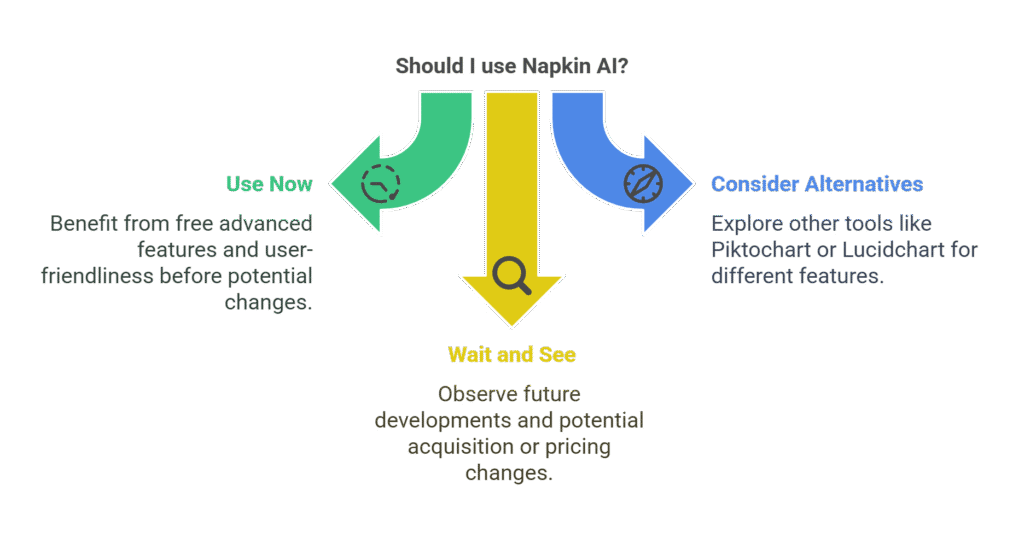
- Use it extensively now: Key features could disappear into a paid version very soon – or the company could be acquired.
Use cases
I would recommend it for:
- Students: Spruce up your presentations and projects.
- Startups: Get some quick…I’m tempted to say..bejazzle for your blog posts, website, pitch decks, and sales decks– and then get a designer later if you need to spruce it up further.
- SMEs: See above.
- Bloggers and creators: Who even blogs today? (apart from me). But you can use it in web articles and videos to make them easier to skim and understand.
Possible alternatives
We could put together a long list if we include mastodonts like Adobe, but the direct alternatives I see include Piktochart, Lucidchart and similar companies.
However, none offer anything as user-friendly or intuitive as Napkin AI (or as free).
You may be saying to yourself that Microsoft PowerPoint + Co-Pilot is an alternative. In which case, I wish you the best of luck.
What will happen to Nakin AI?
Well, one thing is for sure: it will start to cost you money to use its best features – and soon.
I have a sneaky suspicion that Napkin AI will be acquired in the not-too-distant future. The reason is simple: Napkin AI is making it easy for the general public (i.e. even visual dunces like me) to create advanced illustrations. Something that the biggest tech companies are struggling with. Of course, said companies may also succeed in creating a similar alternative themselves – and in that case, Napkin AI still disappears before too long.
This is really insightful and fun to learn about! Thank you for sharing.
This is really insightful and fun to learn about! Thank you for sharing.